
Windows App
ExiQ Cost Studio Enterprise
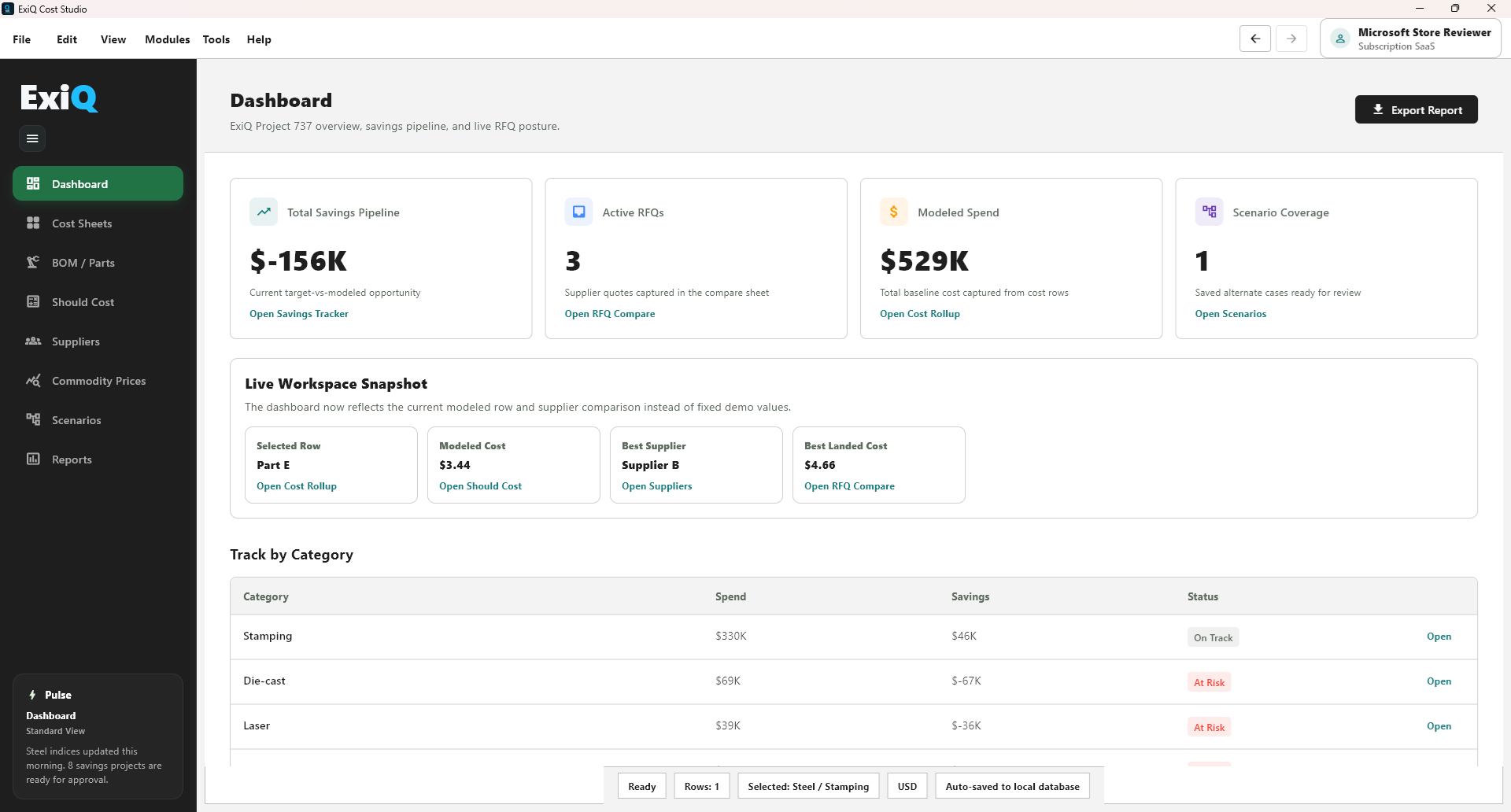
Install the signed Windows desktop app for enterprise should-cost, VA/VE, sourcing, RFQ comparison, and spend intelligence workflows.
Enterprise Windows Installer
Use App Installer to install ExiQ Cost Studio Enterprise and receive future signed updates from the ExiQ release feed.
- Windows 10 or Windows 11 desktop
- Internet access to exiqconsultancy.com
- An ExiQ account or enterprise access assigned by ExiQ
- Download and open the App Installer file.
- Review the publisher as ExiQ Consultancy LLC.
- Select Install and launch ExiQ Cost Studio Enterprise.
- Sign in with the account assigned for your organization.
Need help with deployment?
For enterprise rollout, allowlisting, or account provisioning, contact ExiQ and include your company name, user count, and deployment timing.
Release feed
https://exiqconsultancy.com/downloads/exiq/